 Toggl Lockscreen Widget
For iPhone
Your Toggl timer right on your lock screen
See what’s running and stop it with one tap. No need to open the app.
Download on App Store
Toggl Lockscreen Widget
For iPhone
See what’s running and stop it with one tap. No need to open the app.
Download on App Store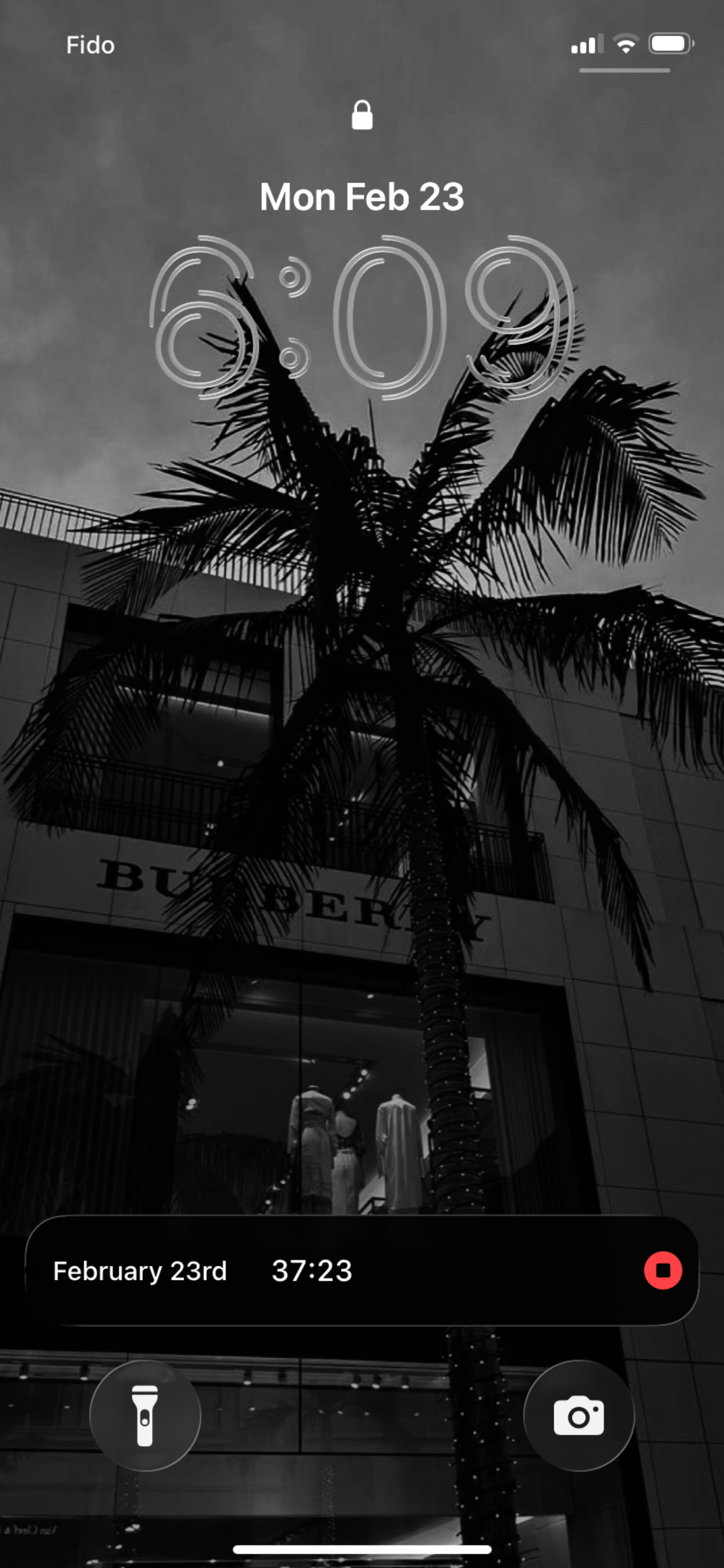
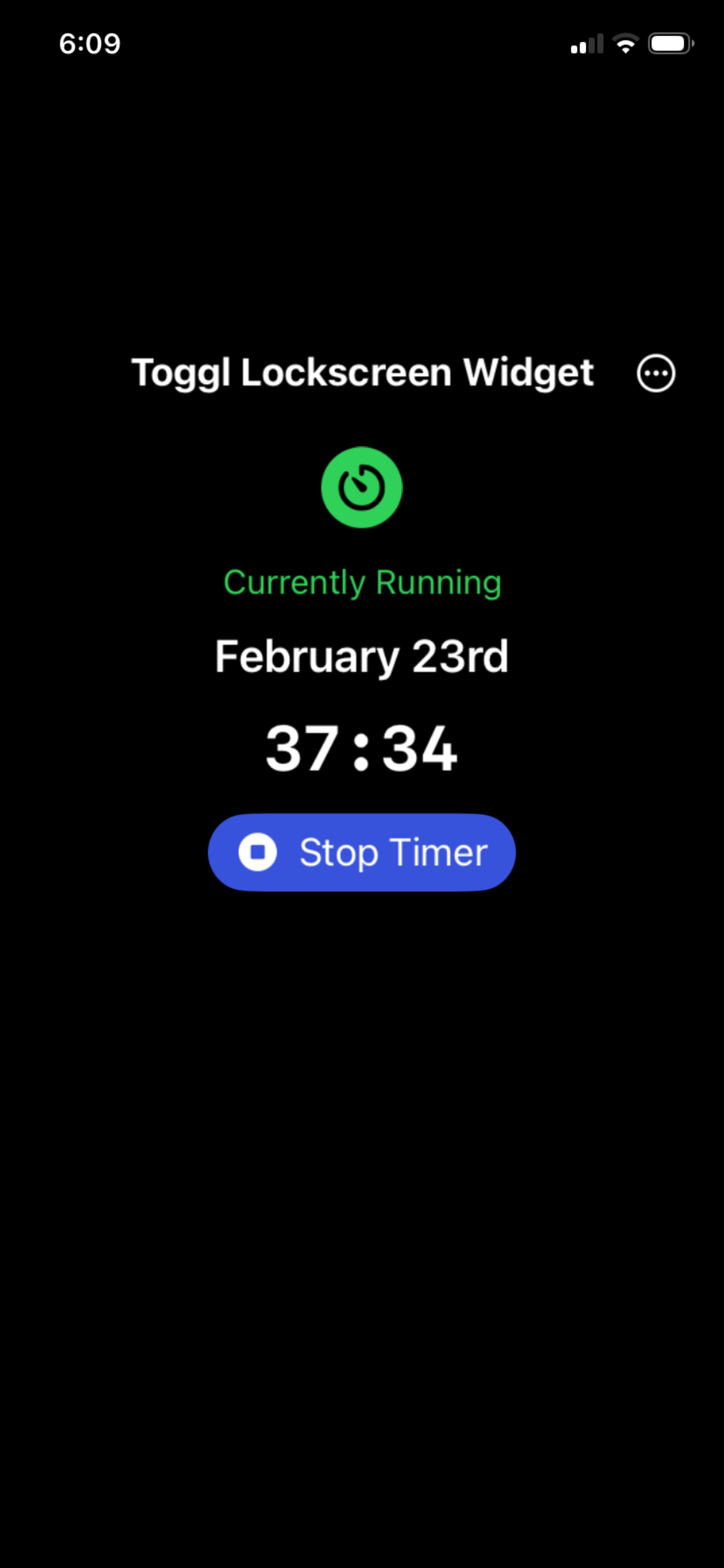
Start a timer in Toggl Track on the web, desktop, or mobile, then open the app once and the timer shows up on your lock screen. Updates in real time.
Tap Stop on the lock screen. Timer stops in Toggl. No app switch.
Shows description, project name, and live elapsed time.
Your API token stays on device (and encrypted on our side only to push updates).
Four steps and you’re done.
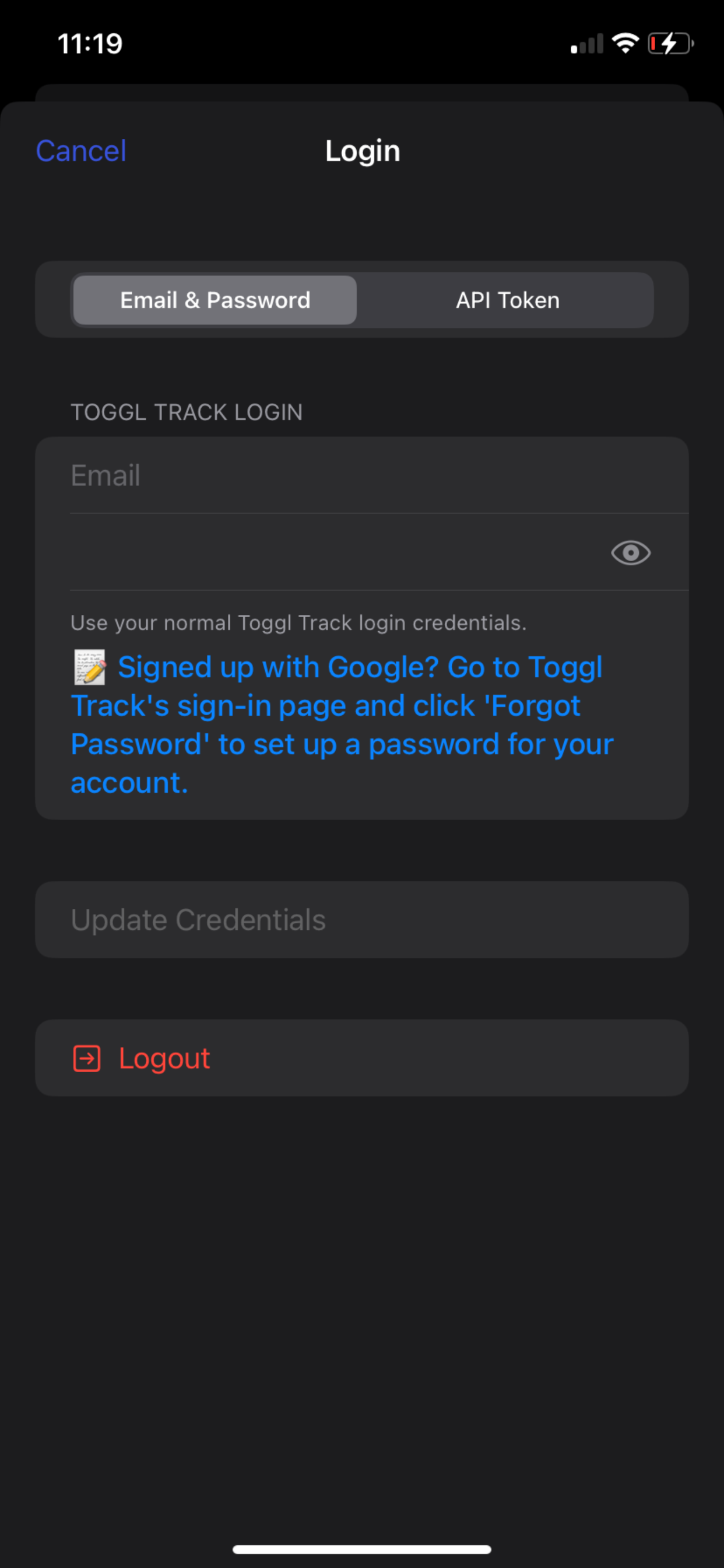
Use your Toggl Track account
Start your timer in Toggl Track
To ensure the widget shows up on your lockscreen
Lock screen displays timer; tap to stop
Anyone who uses Toggl Track and wants the timer visible without opening the app.
Free. Works with your existing Toggl Track account.
Download now